
Not receiving The Flatlander emails in your SaskTel inbox? Try this.
- Visit SaskTel.net and log into your email account.

2. Click on the settings wheel on the far left.

3. Select “Spam” , under the “Preferences” column, which is second from the left and highlighted in light grey.
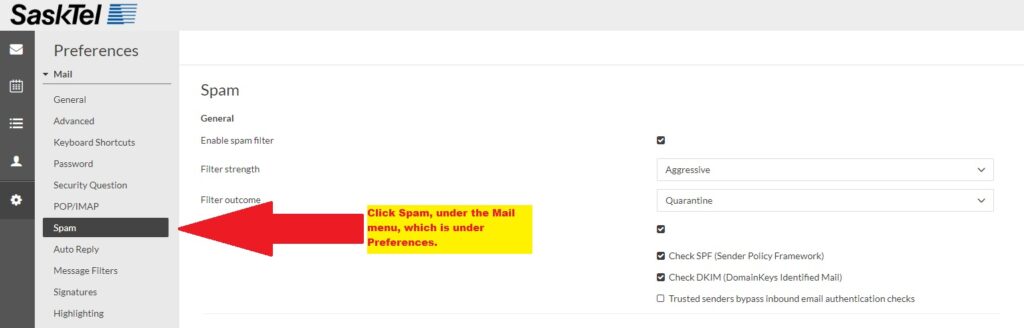
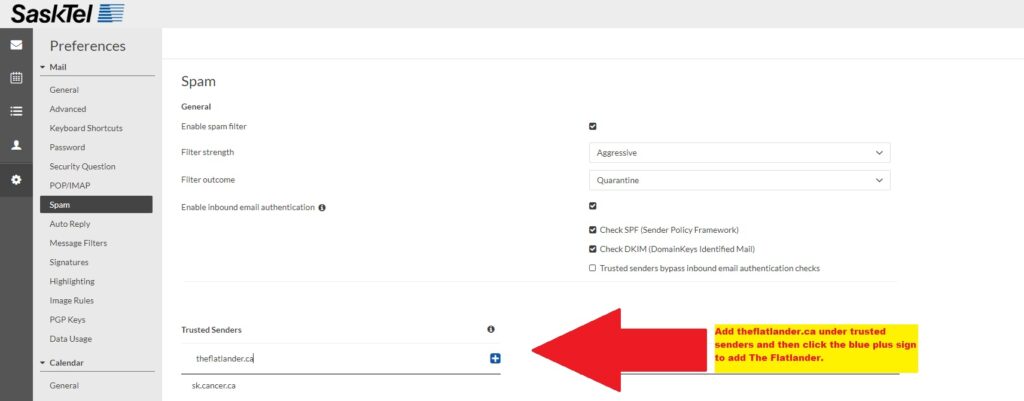
4. Type theflatlander.ca under Trusted Senders, then click the blue plus sign to add The Flatlander.
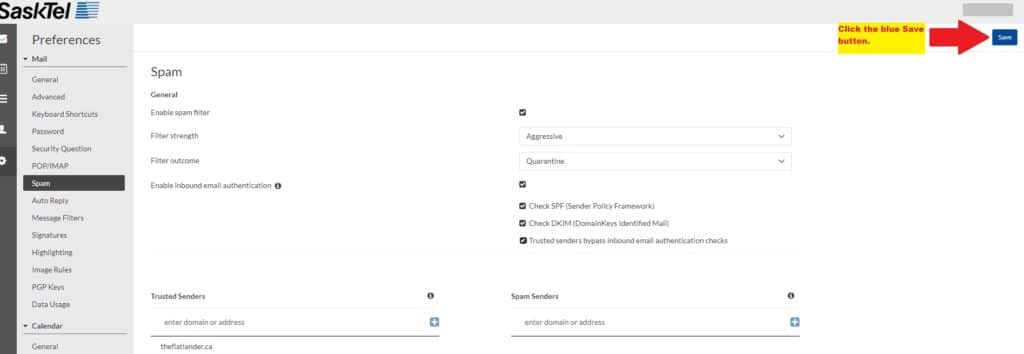
5. Click the blue Save button in the top right corner.
6. Return to your inbox. The next Flatlander issue should arrive Tuesday evening.